N
News
Mobile Security in 2026: Your Phone Is the New Front Door
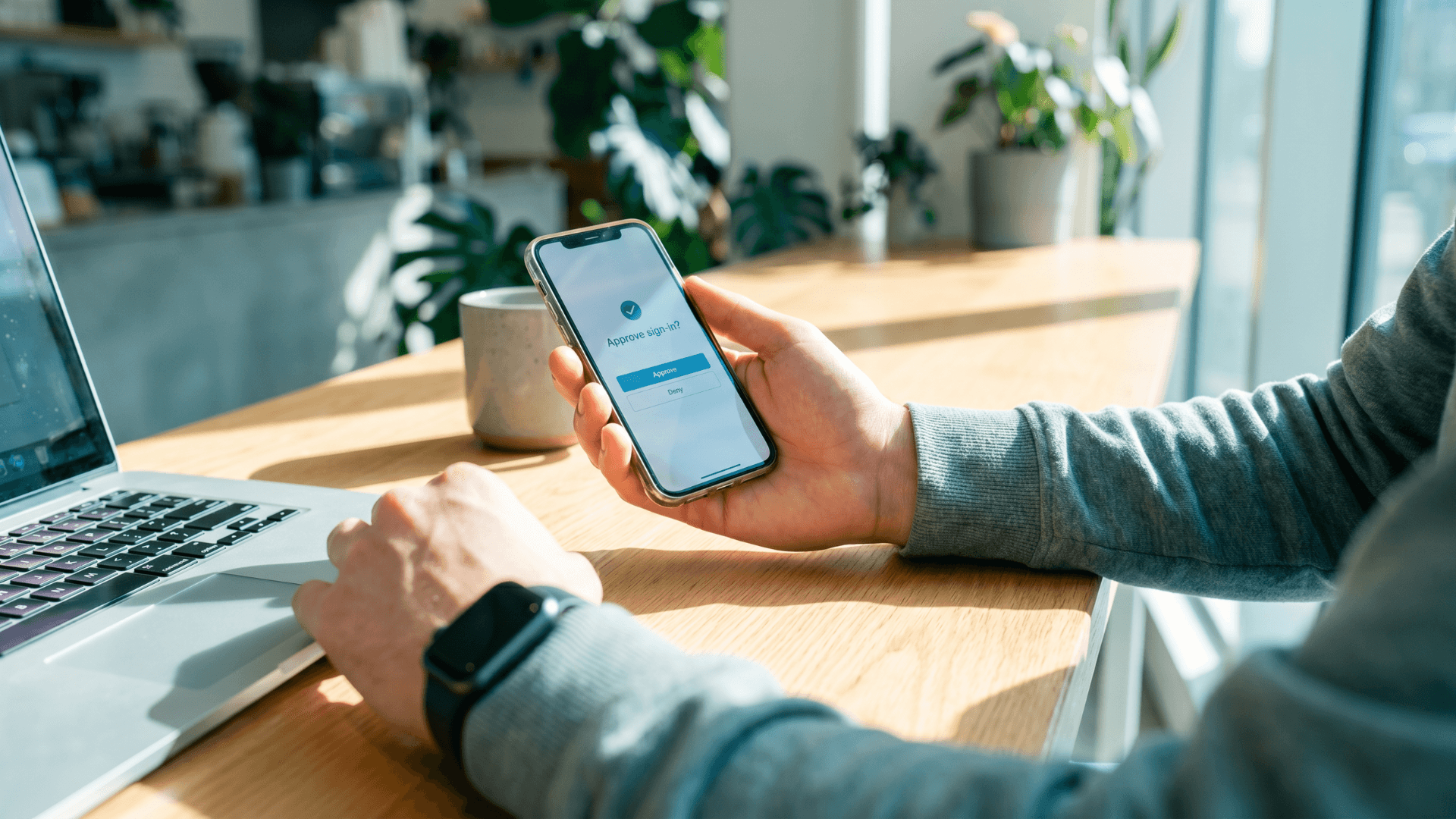
What's the most exposed device you own? Probably the one you're reading this on.
Mobile is now the largest and least protected attack surface in personal computing. More than 1.2 million mobile-targeted phishing and malicious web attacks were recorded in a single quarter last year, and online banking malware activity climbed 67% through 2025.
Most of what an attacker wants from you now lives on the phone. Banking apps, saved cards, MFA codes, work email, password managers, personal messages, photos, and a record of where you've been all sit there. Whoever owns the phone owns most of your digital life.
What follows is the current mobile threat picture, why BYOD has put the security work on you, and the basics worth getting right. (Join our monthly catch-up at Cyber Coffee on Wednesday 27 May at 9:30am AEST. This month we're on mobile security, alongside other items from the SOC desk. ☕)
Mobile Is the Doorway
Today's mobile attacks are after what the phone holds. The hardware is incidental.
Last week, Microsoft confirmed an information-disclosure flaw in Microsoft Authenticator on iOS and Android that lets a malicious app on the same phone intercept one-time sign-in codes and complete a login as the user. The patch is out, but the placement matters: this is the app most people rely on to protect their logins.
In March, the FBI and CISA issued a joint alert warning that Russia-linked actors were phishing Signal and other mobile messaging users, impersonating support staff to hijack accounts through fake linked-device prompts.
Closer to home, Australians lost $2.18 billion to scams in 2025, with phishing alone accounting for $97.6 million. The channel keeps shifting from SMS to messaging and social apps, but the device on the receiving end is the same.
Every breach now starts with stolen identity, and your phone is where identity sits.
BYOD Is the Default Now
Most Australian businesses no longer issue work phones. People bring their own. The company can restrict which apps see corporate data and enforce conditional access, but the rest of the device is the user's. Most of the security now falls to the person carrying it.
That's how it works now, and it's where the business side comes in. Employers still carry a duty of care over the corporate data that ends up on personal devices, which is why most mature programs combine mobile application management, conditional access, and short, regular training with a clear acceptable-use policy. The Australian Signals Directorate sets the local baseline. Its Enterprise Mobility Guidelines cover device hardening, app vetting, MFA, monitoring and incident response across a BYOD fleet, and the Securing iOS Devices guide covers iOS specifically.
For an individual the checklist is shorter, but it only lands when the business has set the expectations around it.
The Doorway Closes When the Basics Are Right
Keep the OS and apps updated. Turn on automatic updates and reboot weekly so patches take effect. Most mobile compromises exploit bugs that have already been fixed.
Patch the authenticator app first. Update Microsoft Authenticator to the latest release. Hold Google Authenticator, Duo, and password managers to the same bar.
Install only what's needed, and only from official stores. Sideloaded apps and "free" utilities are the most common path to credential theft. Audit installed apps every few months and remove what's no longer used.
Use phishing-resistant MFA wherever possible. Passkeys and FIDO2 security keys are the gold standard. Switch on number-matching push prompts. Reserve SMS for when nothing else works.
Deny and report any MFA prompt you didn't trigger. Fatigue attacks rely on someone eventually tapping approve.
Lock the screen properly. Six-digit PIN minimum, biometric on top, short auto-lock.
Separate work and personal. Android work profiles and managed app containers keep corporate data in a space your employer can wipe without touching the rest of the phone.
Treat every link as untrusted by default. SMS, WhatsApp, Signal, LinkedIn DMs, Teams, email. Verify anything urgent through a channel you already trust.
Turn off Bluetooth, AirDrop, and Wi-Fi sharing in public. Open radios are a soft entry point for someone close by.
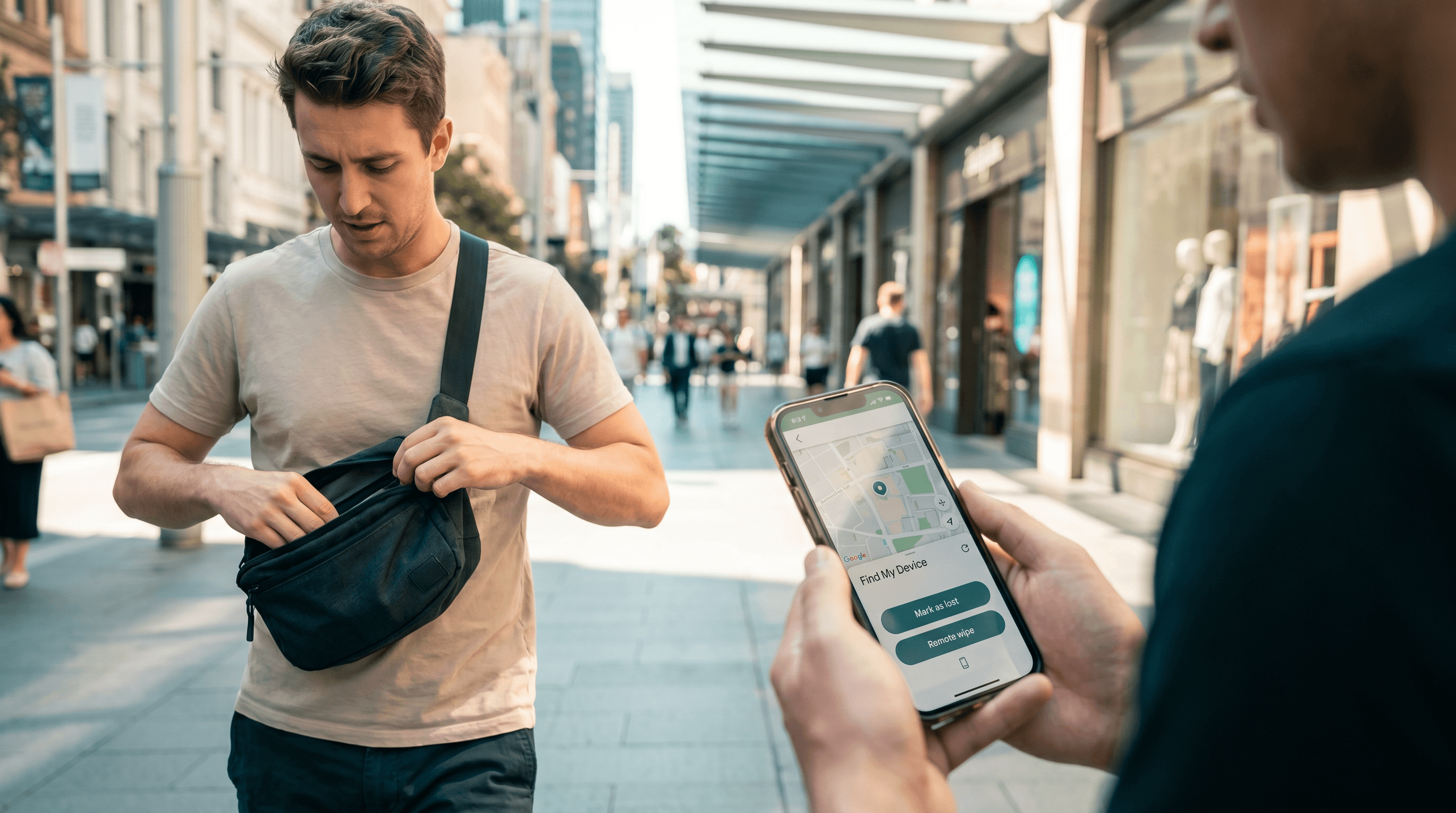
Plan for loss and theft. Enable Find My iPhone or Find My Device, test remote wipe, and protect encrypted backups with their own MFA.
Most of This Takes Minutes
Mobile deserves the same care as a laptop or a server. Most of these controls cost nothing more than the time to enable them, and most of the risk closes when you do.
If you'd like a hand getting your team's mobile baseline in order, sorting conditional access, or rolling out phishing-resistant MFA, let's chat.
Or come along to Cyber Coffee on Wednesday 27 May at 9:30am AEST. We’ll talk about mobile security, and everything else on the SOC desk this month. ☕